Key strength
Timecode
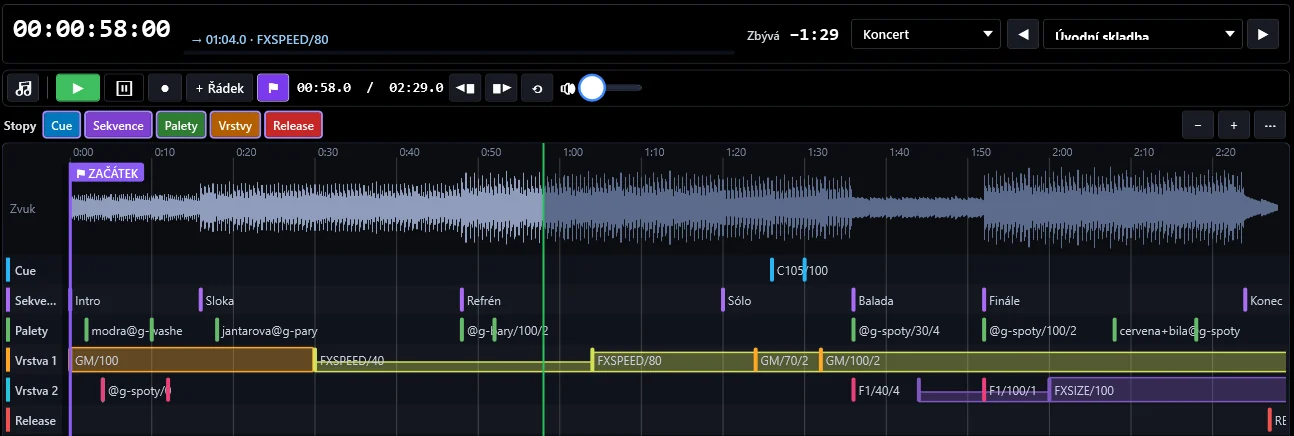
Load an MP3 or WAV file into a song, play the show by hand on the console and REC captures everything you do. Then refine the recording in the song diagram — by dragging directly on the timeline.
A song can follow external LTC or MTC from the sound department, or you start it with GO and it runs on the internal clock. Rows without a time wait for the operator's GO, and MANUAL mode steps through rows one at a time — so the show can run automatically with the music while staying under full control.
Timecode in the guide →
Song and audio recording
MP3 or WAV per song, Timeline or List view. The timeline also works without audio. ⚑ sets the timecode zero at the current position in the recording; rows stay tied to the music.
Transport
▶ / ■, ⏸ pause, ● REC, ◀▮ ▮▶ start and end, ⟲ loop, volume, zoom. Space plays, ← → step by frame (Shift by 1 s).
REC for the whole console
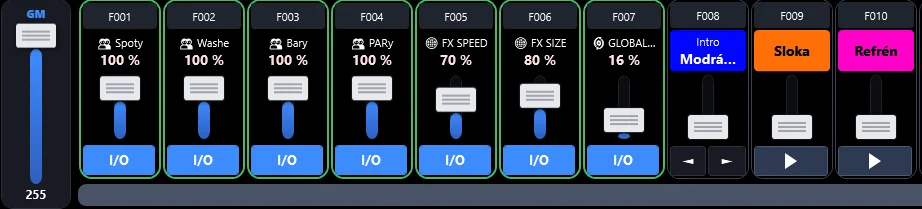
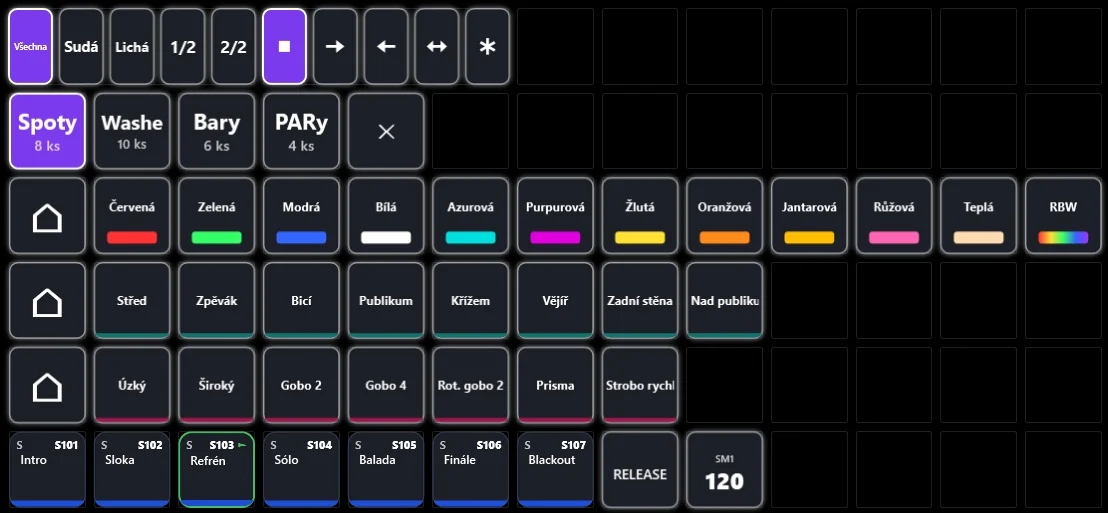
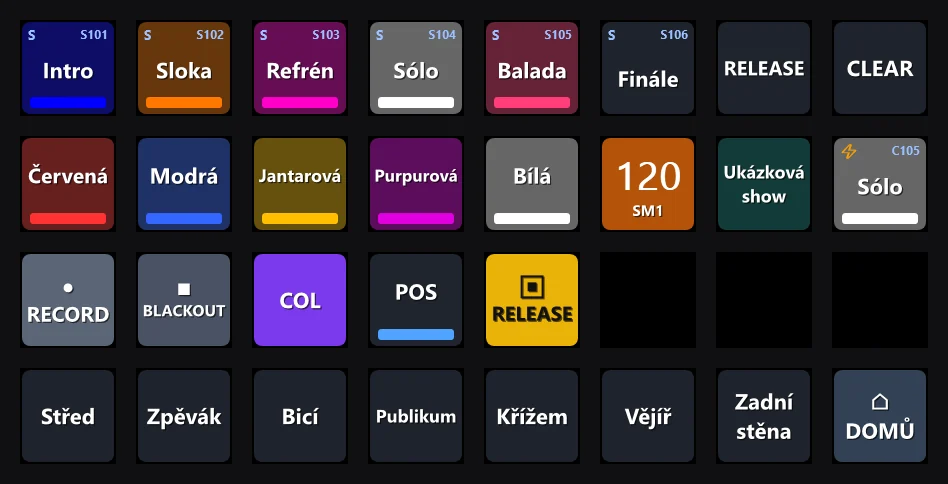
Cues and sequences (start and stop), faders with their movement, EXEC as press and release, group intensities including fades, Grand Master, FX speed, size and fade 1–3, speedmasters, BLACKOUT, palettes and Live cells. Each pass can be undone in one step.
Song diagram
Cue, Sequence, Palette, Layer 1, Layer 2 and Release tracks; level events are split into layers automatically and drawn as colour-coded curves. Drag to move, use the handle for fades, long-press to open settings; the track filter also applies to REC.
Playlists and songs
A playlist is a set of songs, and one song can belong to several playlists. Playlist selection and ◀ song ▶ sit in the clock header on every page; .tim import and export, .shw import.
Song default values
Loading a song sets speedmaster tempo, Grand Master, Global fade, FX speed, FX size 1–3 and group levels.
Manual GO and look preparation
Rows without a time wait for GO, and MANUAL mode executes rows only on GO. “On load” rows prepare colours, positions and tempo before the start.
Commands
C112/50/3 cue, S101:3 sequence, F5/50/3 fader, E12++ EXEC, green@g-spots:even palette, GM/80, FXSPEED/50, BLACKOUT and more; several commands per row run simultaneously. Autocomplete offers the content of your show.
LTC and MTC
External timecode control — LTC (SMPTE) from a sound card, MTC from a DAW; signal indicator in Settings. External timecode input is part of the license; everything else works in the free version.
Row list
Touch and compact modes, multi-row selection (checkboxes, Ctrl+click, Shift+click, Ctrl+A), DELETE removes the selection, typing renames a row.